
Welcome to the Developer Hub

Explore software tools, our model library, hardware shopping, community forums, support, and our EDU program.

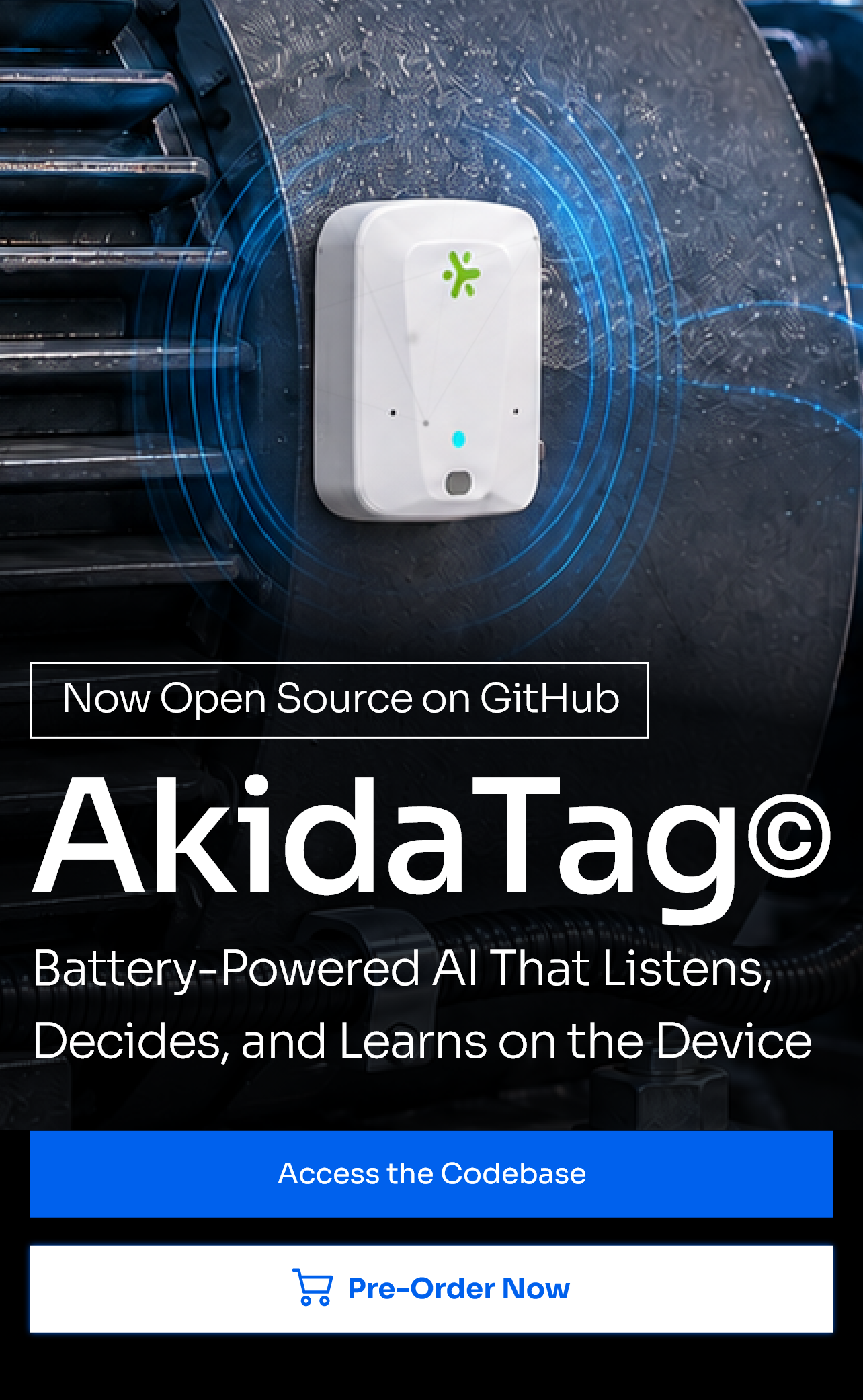
AkidaTag is a complete reference platform for always-on, privacy-first edge AI. It is powered by BrainChip’s AKD1500 neuromorphic processor and Nordic Semiconductor’s nRF5340 ultra-low power wireless MCU, in a compact, battery-powered form factor that runs inference and on-chip learning without a network connection.

Two software components:
device firmware and a companion app.

AkidaTag Firmware

The embedded firmware that runs the platform, including run-time, inferencing and management and includes two demos using this platform software.

BrainChip Connect

The iOS and Android companion app for AkidaTag. Pair over Bluetooth to run demos, manage the device, and monitor results live.
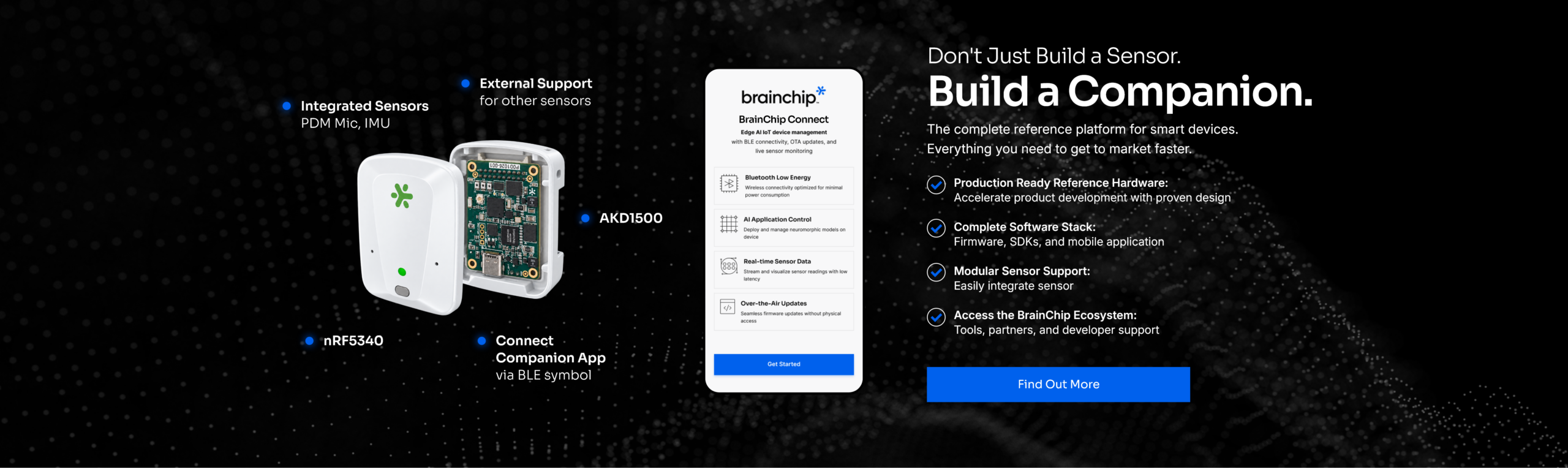
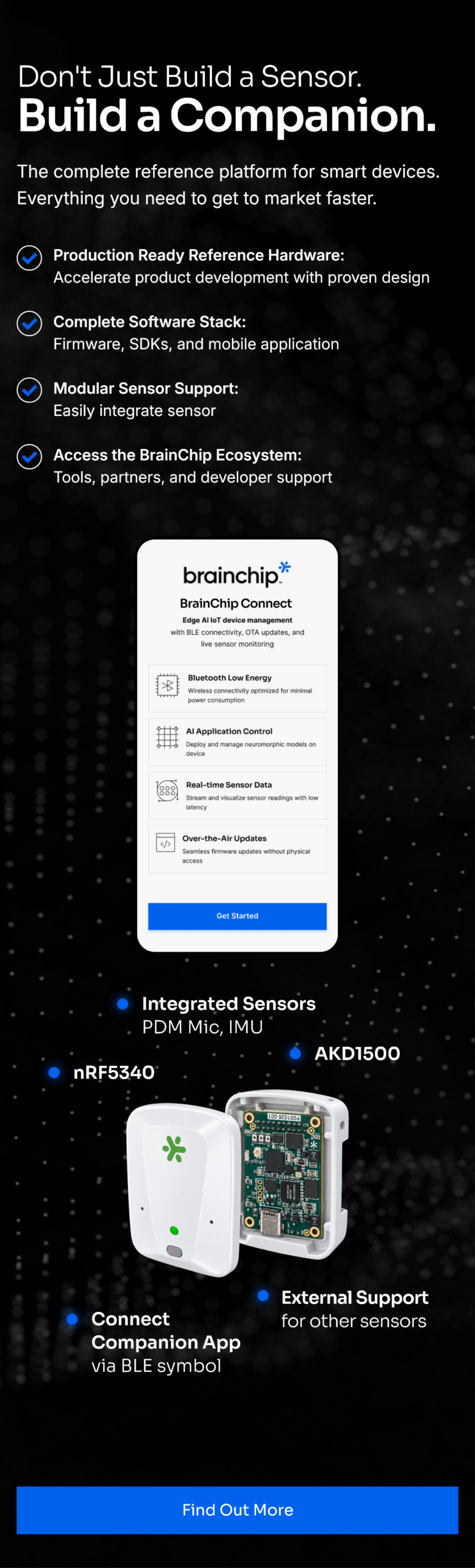
Both are provided as open source on our Developer Hub GitHub.
Clone them, reuse sources in them, and rebuild them into products of your own.
See It Running

Keyword Spotting

Recognizes spoken commands entirely on the device, with no network connection, running Akida inference on live audio from AkidaTag’s microphones.

Edge Learning for Keyword Spotting

Teach AkidaTag a new keyword from the companion app, on-chip, in seconds. No cloud round trip, retraining pipeline, or audio leaving the board. Fixed inference can’t do this.

In the Roadmap
In Development

Fall detection and anomaly detection, both powered by AkidaTag’s onboard motion sensing.

What's Included in the Repos
Repo 1:

AkidaTag Firmware

Zephyr firmware for the nRF5340 driving the AKD1500 over SPI. Covers Bluetooth, audio, IMU and camera capture, Akida inference, and on-chip edge learning. Ships with the demo application, board overlays, a Docker development container, firmware images and future release.

Repo 2:

BrainChip Connect

The companion iOS and Android application, built in React Native. Pair with AkidaTag over Bluetooth to push new models to the board, run demos, teach it new keywords, manage device interactions, and monitor results live in real time.

Both repositories include setup instructions, contribution guidelines, and release notes.
Clone the repo and run it on your own board.

Application Notes and Docs
to Get You Started

Set it up.

Six steps from unboxing to your first keyword detected on the tag. Covers charging, pairing, what the LEDs mean, and what to check when it doesn't work.

Open Quick Start →

Run the demos.

Install BrainChip Connect, connect to your tag, run the keyword spotting demo, update firmware over Bluetooth, and load a model.

Open User Guide →

Build your own.

Set up the toolchain, build and flash firmware, work with models and firmware signing, add your own demo, and use the Bluetooth interface.

Open Developer Guide →

Alongside the guides you will find the AkidaTag datasheet, the block diagram, the hardware setup and pin configuration notes.

Your Journey to Explore
AkidaTag
Starts Here

Order a board and start with the code. Both repos are public, so you
can clone the firmware, flash your board, and build.